
Thinkific Country-Based Pricing: Native PPP Setup Guide
Connect Evendeals to Thinkific, auto-create regional coupons, and show country-based offers on supported course pages without pasting code.
Evendeals now connects directly to Thinkific. It imports your products, creates regional coupons, installs the offer display, and tracks coupon redemptions. You do not need to create matching coupons or paste JavaScript into Thinkific.
This guide covers the complete setup. For a shorter product overview, see the Thinkific integration. For every setting and troubleshooting step, use the Thinkific documentation.
Why country-based pricing matters for online courses
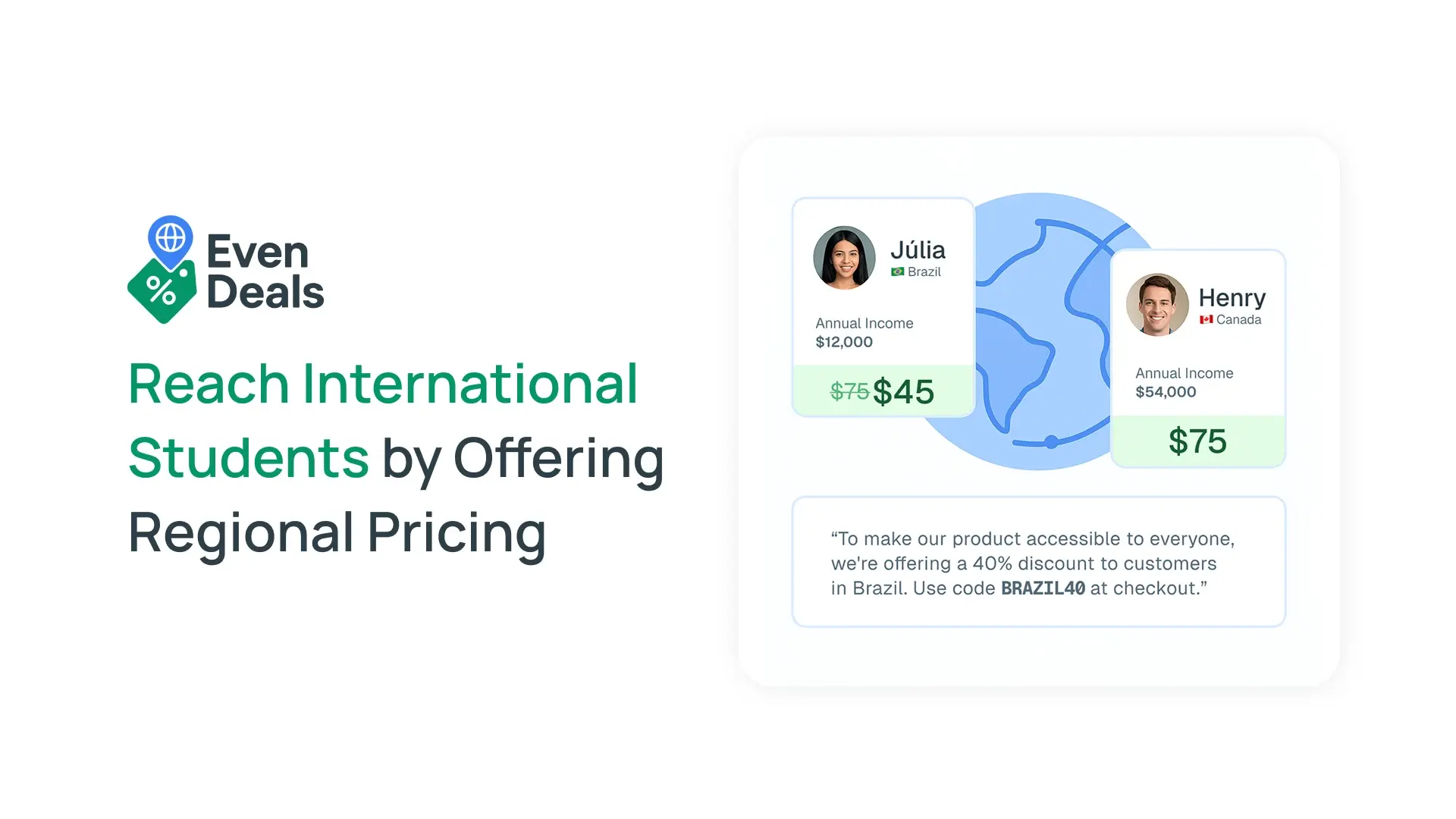
A single USD price can feel affordable in one country and unreachable in another. Country-based pricing lets you keep your standard price while offering a relevant discount to visitors in markets with lower purchasing power.
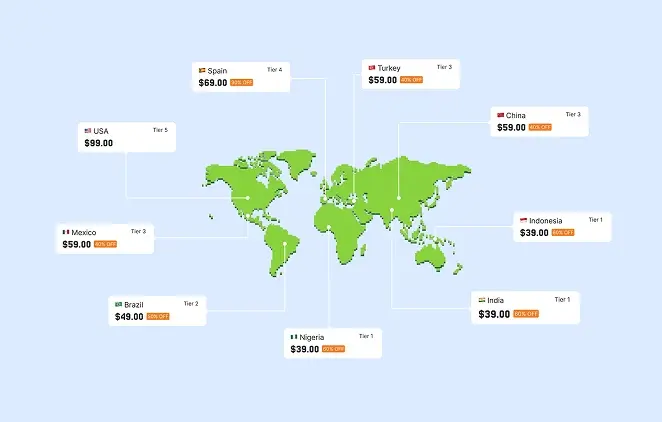
Evendeals groups countries with similar purchasing power, detects an eligible visitor's country, and shows the appropriate Thinkific coupon. Visitors outside your configured groups continue to see your regular price. Read more about the method in our purchasing power parity pricing guide.
What the native Thinkific integration does
- Imports your Thinkific products into the Evendeals product picker
- Creates a Thinkific promotion and coupon for each active discount group
- Installs and maintains the Evendeals Site Script automatically
- Tracks Thinkific coupon redemptions in Evendeals analytics
- Removes the need to copy scripts or manually match coupon codes
Before you start: use a classic Product Page
This is the most important Thinkific-specific requirement. Thinkific's AI-generated Landing Pages do not currently support third-party apps or custom code, so an Evendeals banner or popup cannot appear on them. Classic Product Pages do support apps.
- Supported: classic Product Page URLs such as
https://your-site.thinkific.com/courses/course-name - Not supported: AI Landing Page URLs such as
https://your-site.thinkific.com/products/courses/course-name
In Thinkific, go to Settings → Site → Course landing page, select Product page — with support for custom CSS and apps, and save. This setting only affects new courses. If the current course already uses an AI Landing Page, Thinkific says you must duplicate the course and rebuild its page with Site Builder. See Thinkific's official course page guide.
How to set up Thinkific country-based pricing
Step 1: Connect Thinkific
- Sign in to Evendeals.
- Open Dashboard → Integrations and choose Thinkific.
- Enter your Thinkific site address or subdomain.
- Continue to Thinkific and approve the requested permissions.
The connection returns you to Evendeals and installs the required Site Script. Do not also add banner.js through page code, theme code, or a tag manager. Loading it twice can cause duplicate requests and displays.
Step 2: Create a PPP deal
- Open Dashboard → Deals and select Create Deal.
- Choose PPP Discounts.
- Enter a name for the deal.
- Open the Products dropdown and select one or more Thinkific products.
- Optionally set a coupon prefix, then select Create Deal & Continue.
Draft courses can appear in the product picker, but students cannot purchase them until they are published in Thinkific.
Step 3: Configure and sync discounts
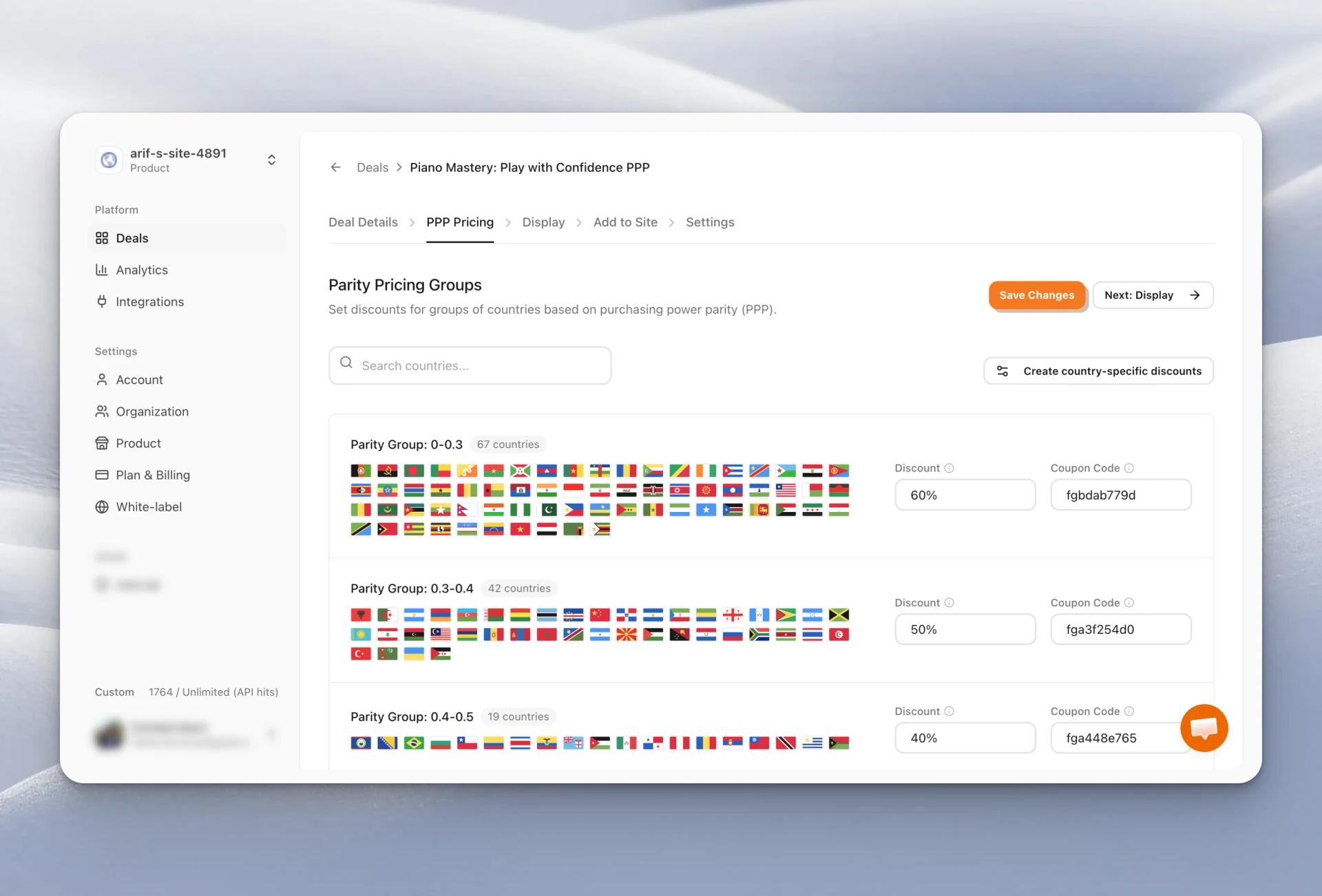
- Open the deal's PPP Pricing tab.
- Set the percentage discount for each country group you want to support.
- Leave a group empty when visitors in those countries should receive no offer.
- Select Sync Coupons.
Evendeals creates the corresponding promotions and coupons in Thinkific. Change discounts in Evendeals and sync again instead of editing generated coupons directly in Thinkific.
Step 4: Choose where the offer appears
- Open the deal's Add to Site tab.
- Add each public classic Product Page URL that should show the offer.
- Use a wildcard such as
https://your-site.thinkific.com/courses/*to cover several course pages.
If students can visit both a custom domain and your thinkific.com address, add both versions. Evendeals only returns an offer when the current page matches an allowed URL.
Step 5: Customize the display
Open the Display tab to enable a top banner, bottom banner, or popup. Configure the message, colors, typography, call-to-action, countdown, and dismissal behavior. Use Show preview before testing the live page.
Step 6: Test the full checkout
- Publish a test course that uses a classic Product Page.
- Confirm its URL is allowed in Evendeals.
- Confirm your test country has an active discount and synced coupon.
- Open the public course page in a private browser window.
- Copy the displayed coupon and test it in Thinkific checkout.
- Confirm the redemption appears in Evendeals analytics.
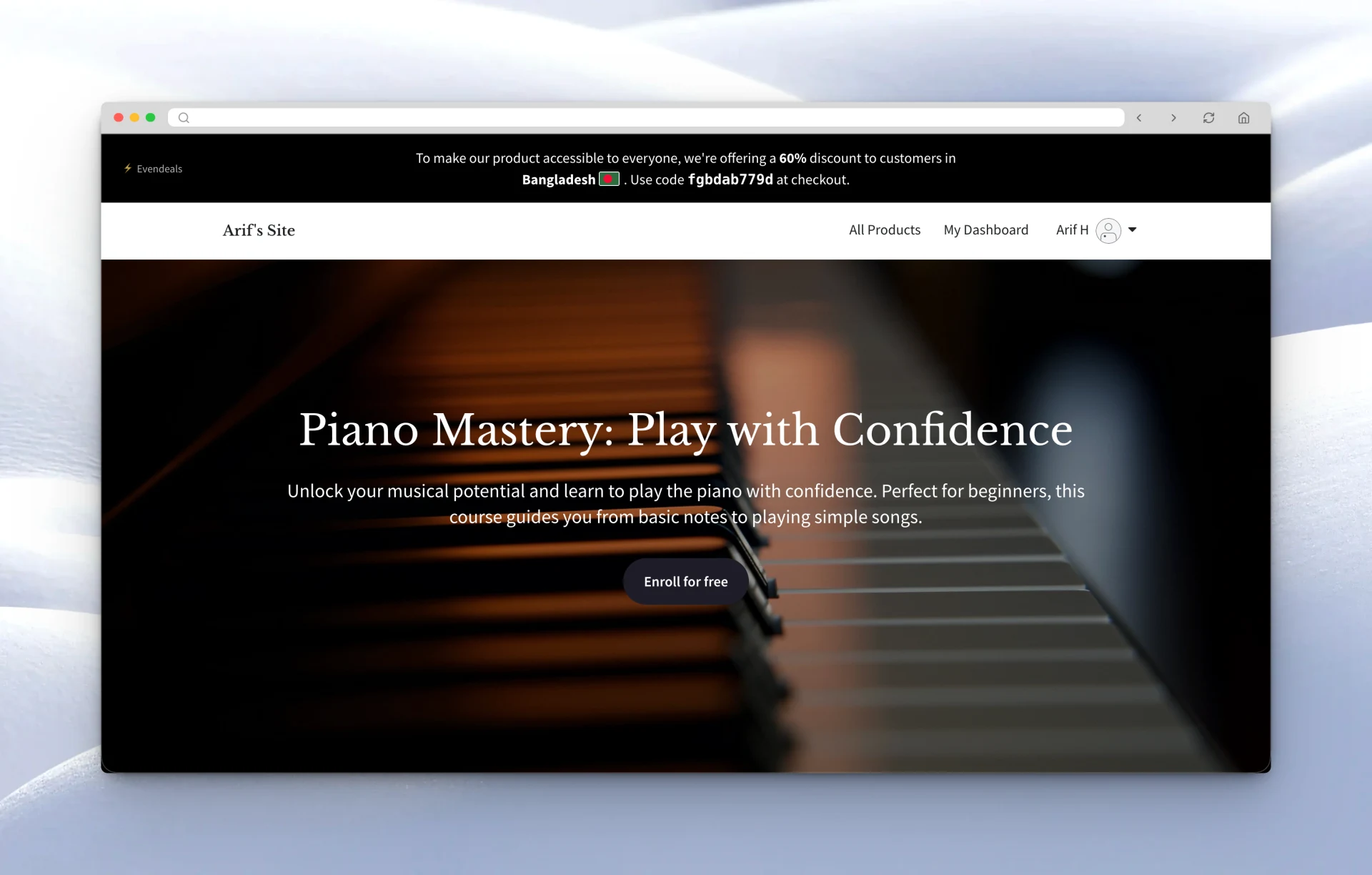
What visitors experience
- An eligible visitor opens your Thinkific Product Page.
- Evendeals matches their country to your active discount groups.
- The visitor sees your banner or popup with a Thinkific coupon code.
- They apply the coupon during Thinkific checkout.
- Evendeals records the redemption for reporting.
Visitors who do not qualify for an active offer see the normal page and price.
What you can customize
- Which country groups receive an offer
- The discount percentage for each group
- Which Thinkific products accept the coupons
- Which page URLs may display an offer
- Banner or popup copy, colors, typography, timing, and CTA
- Coupon prefix and subscription discount duration
Pricing
Evendeals includes a 14-day Pro trial with no credit card required. Annual plans start at $108 per year, and a lifetime plan is available for $499. See the current limits and features on the pricing page.
Frequently asked questions
Do I need to paste code into Thinkific?
No. The native integration installs the Evendeals Site Script during connection. Do not install a second copy manually.
Do AI-generated Landing Pages work?
No. Thinkific does not currently allow third-party apps or custom code on AI-generated Landing Pages. Use a classic Product Page built with Site Builder.
Can I select draft courses?
Yes. Draft products can appear in Evendeals, which is useful while preparing a deal. Publish the course before testing a real purchase.
Can I use one deal for multiple courses?
Yes. Select multiple Thinkific products in the deal's Products dropdown. Evendeals scopes the generated promotion and coupons to those products.
Can I target specific pages?
Yes. Add exact URLs for individual pages or a wildcard when several classic course pages share the same path.
Start offering regional pricing on Thinkific
Connect your site, select your courses, set your regional discounts, and let Evendeals handle the Thinkific coupons and on-site offer.