
Regional pricing checkout checklist: test more than the banner
The regional banner appears. The percentage looks right. You call the setup finished.
Then a customer emails you a full-price receipt. Somewhere between the page and the payment, the offer disappeared. Before launching regional pricing, test the whole purchase rather than stopping when the banner loads.
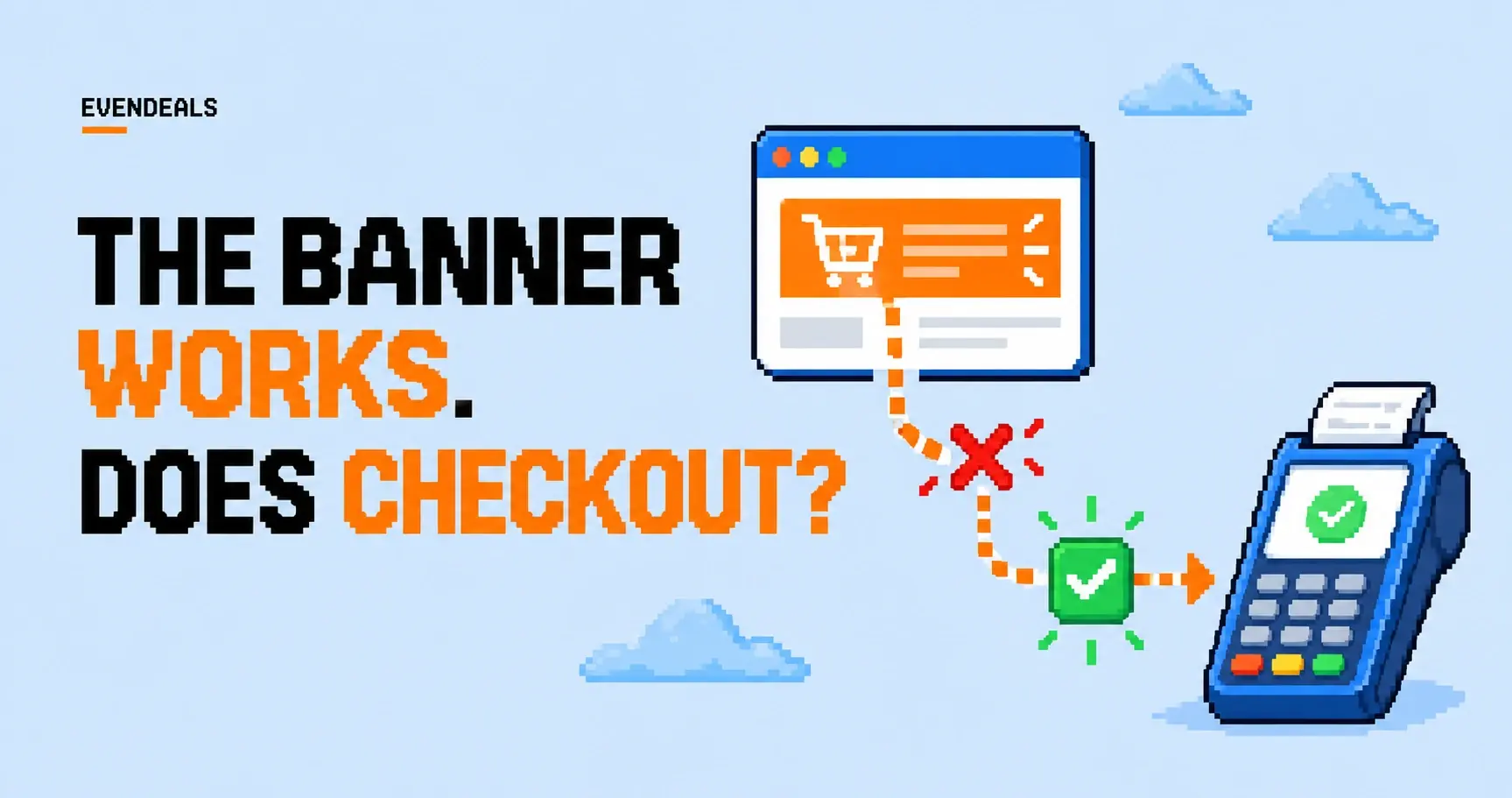
Use this checklist for your first offer and again when you change a product, payment provider, or display mode.
Write the expected result first
Pick one product and one offer. Record the normal price, discount, eligible countries, billing interval, and duration. Include whether taxes are added later and whether the discount can combine with other promotions.
For a hypothetical $100 one-time product with 40% off, the discounted product subtotal should be $60. The total charge may differ if taxes or other disclosed charges apply. Keep subtotal and final total separate in your notes.
You want a test sheet with an expected amount, not a vague checkbox labeled works. That makes a mismatch obvious before someone pays real money.
Check who sees the offer
Test an eligible location, an ineligible location, and a request where the country can't be determined. Confirm the correct offer appears only where you intend it to appear.
If you use VPN protection, a VPN-based location test may be blocked by design. Separate testing country selection from testing that protection. Use your available test setup or a trusted tester in the target country without weakening the production policy just to get a screenshot.
Also check an ordinary returning visit. Dismissed popups, cached pages, and old checkout links can produce a different experience from a fresh browser session.
| Test case | Expected behavior to define |
|---|---|
| Eligible visitor | Correct offer for the selected product |
| Ineligible visitor | Ordinary price or another explicitly configured offer |
| Unknown location | Usable checkout with a clear fallback |
| Blocked network | No regional offer, with a way to request help |
| Returning visitor | Current valid offer and consistent checkout amount |
The fallback is your product decision. Don't show an invented regional price when the lookup hasn't succeeded.
Follow one purchase all the way through
See the right offer
Country, product, discount, and duration match your setup.
Pay the right amount
Checkout accepts the code and shows the expected subtotal and total.
Receive what was promised
Receipt, product access, and the next renewal agree with the offer.
Follow the code into checkout
Copy the coupon exactly as a customer would. Confirm the checkout exposes the right place to use it, accepts it for the intended product, and calculates the expected subtotal.
If you automatically attach a discount, inspect the checkout after opening the link. A URL containing a coupon-shaped parameter doesn't prove your provider applied anything.
Evendeals Custom display mode fills discount text and country information. It doesn't rewrite checkout links or calculate discounted price cards. Use the API display approach when your implementation needs that behavior, then test it against your provider's actual checkout.
Try an expired code and a code for the wrong product. Confirm the customer gets a useful error and can recover. If codes rotate, test a customer who copied the previous code before rotation.
Inspect the payment record and receipt
A success screen is useful, but the recorded charge is the evidence. Confirm the paid product, currency, discount, subtotal, tax treatment, and total in your payment system.
Check the receipt or confirmation email too. It should describe the purchase in a way that matches the landing page. An unexplained different product name or renewal amount can generate support requests even when the arithmetic is correct.
Use your provider's test environment where available. If a final live check is necessary, plan a controlled transaction and account for any fees and refund behavior rather than assuming the test costs nothing.

Test the next event
For a subscription, inspect the next renewal, a plan change, and cancellation behavior. The subscription renewal guide includes the decisions you need to make before promising an ongoing price.
For a one-time product, check fulfillment and refund handling. The customer should receive the right course, file, or license after a discounted purchase just as they would after a full-price purchase.
Finally, check that your analytics record a completed payment rather than only a banner view or coupon copy. Compare the event with the payment record so your first report doesn't overcount sales.
Keep a tiny test record you can reuse
You don't need a fancy QA system for the first regional offer. One row per scenario is enough: product, location condition, coupon, expected subtotal, actual total, and whether access arrived. Add the test date so you know which version you checked.
For the $100 course with 40% off, write $60 as the expected product subtotal. If the final total differs because tax is added, record that separately. Otherwise someone reviewing the test later may mistake the difference for a broken coupon.
Include one deliberate failure. Try the code on an excluded product or use an expired test code. Check that the customer can recover without losing their cart or starting the purchase from scratch. Error messages are part of checkout too, unfortunately.
Repeat the relevant rows when you change the course bundle, billing interval, or payment link. A discount can keep working on the old product while failing on the new one. Last month's green checkmark doesn't tell you whether today's checkout is ready.
Keep the test sheet with the offer
Save the expected and actual results, date, product, and offer configuration. Re-run the relevant cases when you change the checkout. You don't need a hundred screenshots; you need enough evidence to diagnose the next mismatch.
Start with the Evendeals quick start, then work through the purchase yourself. The job is done when the customer's charge and access match the offer they saw.
Pick one offer and follow it through to product access. Save the result. Once that path works, add the other scenarios. You can send the test details to support if something doesn't match.