
Should regional pricing stack with sale coupons?
You're running a 20% sale. Some customers already qualify for a 40% regional discount. What should happen when they reach checkout?
Choose the rule before the campaign goes live. Otherwise your banner, coupon field, and payment system may each give a different answer. The result can be an unexpected discount or a frustrated customer.
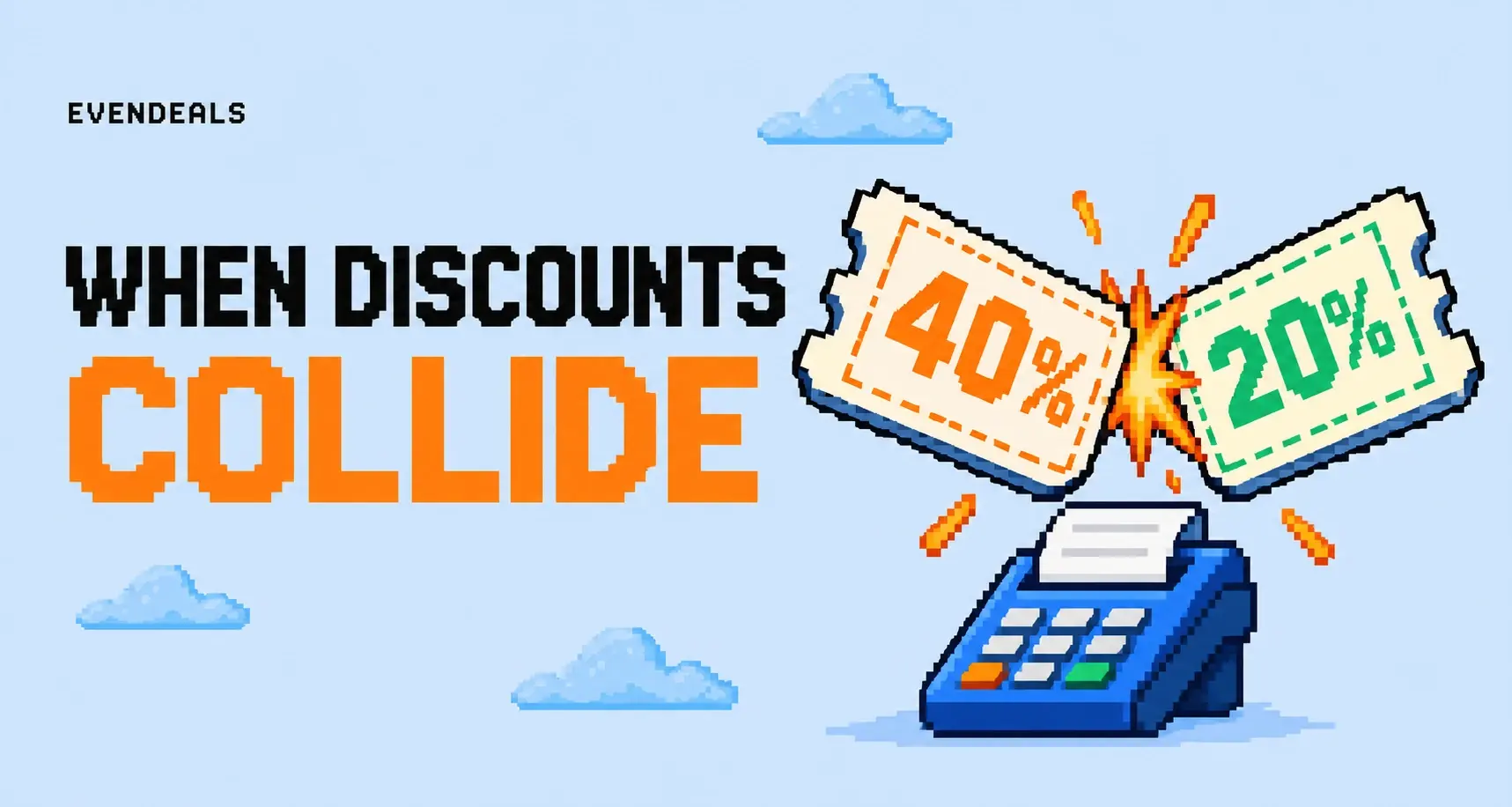
There are several reasonable policies. The right one is the one you can afford, explain, and make checkout enforce consistently.
Calculate the combined price first
Use an imaginary $100 product. A 40% regional reduction brings it to $60. Applying another 20% to that reduced amount takes off $12, leaving $48.
That's a 52% total reduction from the original price, not 60%. Sequential percentage discounts multiply the remaining price. They don't simply add together.
Now consider a $20 fixed discount with the 40% offer. Apply the percentage first and the final price is $40. Apply the fixed discount first and the final price is $48. Order matters when you mix fixed and percentage reductions.
These calculations describe possible policies. They don't mean your checkout supports all of them, or that you should enable them.
40% + 20% doesn't mean 60% off
Start at $100
The normal product price.
Take 40% off: $60 remains
The regional discount removes $40.
Take 20% off $60: $48 remains
The sale removes another $12. Total reduction: 52%.
Pick an offer policy
| Policy | Example on a $100 product | Main tradeoff |
|---|---|---|
| Best offer wins | 40% regional offer beats 20% sale, final price $60 | Simple, but regional customers get no extra sale benefit |
| Sequential percentages | 40% off, then 20% off the remainder, final price $48 | More generous, with lower contribution |
| Sale on selected products only | Regional offer stays on the course; sale applies elsewhere | Requires clear product boundaries |
| Dedicated regional sale price | You explicitly choose a temporary final price | More setup, but a clear amount to test |
If you use best-offer-wins, say so near the promotion. A customer who already gets 40% off shouldn't have to remove that offer to discover the public sale is worse for them.
For sequential offers, run the final amount through your margin calculation. The second discount comes out of the money you would otherwise retain. It isn't free just because the first discount already existed.

Confirm the provider's actual behavior
Don't infer checkout behavior from a calculator. Ask what happens when a discount is already attached, whether entering a new code replaces it, and which products are eligible.
Stripe's subscription discount documentation describes multiple discounts and the importance of order for mixed discount types. Your checkout flow can have different constraints from the underlying subscription API.
Test the exact purchase path your customer uses. A hosted checkout, an embedded form, and a later subscription change can expose different controls. If your checkout permits one offer, implement your policy by choosing the intended offer before payment, not by promising unsupported stacking.
Evendeals showing a regional code doesn't establish a universal stacking rule across payment providers. The final charge still needs a checkout configuration that matches your policy.
Make the copy fit the rule
For a best-offer policy, a clear example is: your regional offer gives you 40% off this product; offers don't combine. During the public sale, avoid claiming everyone receives an additional 20% unless that's true.
For a combined offer, state the final price if you can calculate it reliably for the selected product and billing period. A row of crossed-out prices can be harder to understand than one amount with clear terms.
If the sale ends on a fixed date, distinguish that deadline from any ongoing regional offer. After the sale, a returning customer should see the ordinary regional terms, not a stale combination left in their checkout.
Run a sale without surprising your regional customers
Say your course already has a 40% regional offer. You announce a 20% weekend sale to the whole email list. A customer opens the email, gets excited, then realizes their existing offer is better. They haven't lost money, but your message has still given them a confusing task.
If you're using best-offer-wins, explain that near the sale message: regional customers keep the better available offer. Don't send everyone to a new link that silently replaces their 40% code with the 20% sale code.
If you want those customers to get something extra, decide what you can afford. That might be a combined price or a bonus you can actually deliver. A coaching call isn't a free bonus just because it doesn't have a payment-processing fee. Count your time too.
Before sending the campaign, open the email link as both an eligible regional buyer and an ordinary buyer. Check the product, subtotal, and any next renewal. The campaign is ready when both paths make sense. That test is less work than explaining the mistake to a whole mailing list.
Test the combinations customers will try
Try an eligible regional visitor, a visitor outside the offer, an existing subscriber, and a customer arriving through an old campaign link. Add a mixed cart if you sell more than one product at a time.
For each case, inspect the discount, final amount, and receipt. Check the renewal too if the product recurs. A promotion that looks correct on the first charge can still create an unexpected subscription price.
Keep a simple campaign sheet with the policy, expected prices, eligible products, and end date. It helps support answer questions without guessing.
Use the regional pricing margin guide before deciding how generous to be. Then set up the offer through the Evendeals quick start and make one test purchase path match the promise from page to receipt.
Choose the stacking rule before you write the sale email. Test both customer paths, check the margin, and keep the final price easy to understand. Nobody should need a calculator to know what they're about to pay.